Sign in and recover access
Sign in with your email and password, or reset a forgotten password by email.
Open /sign-in, enter your email and password, and choose Sign in. A protected link may add
a safe next destination; the app returns there after authentication. External return URLs are
not accepted.
Sign in to your workspace
The account form sits beside a short introduction on desktop. Recovery and registration remain available below it.
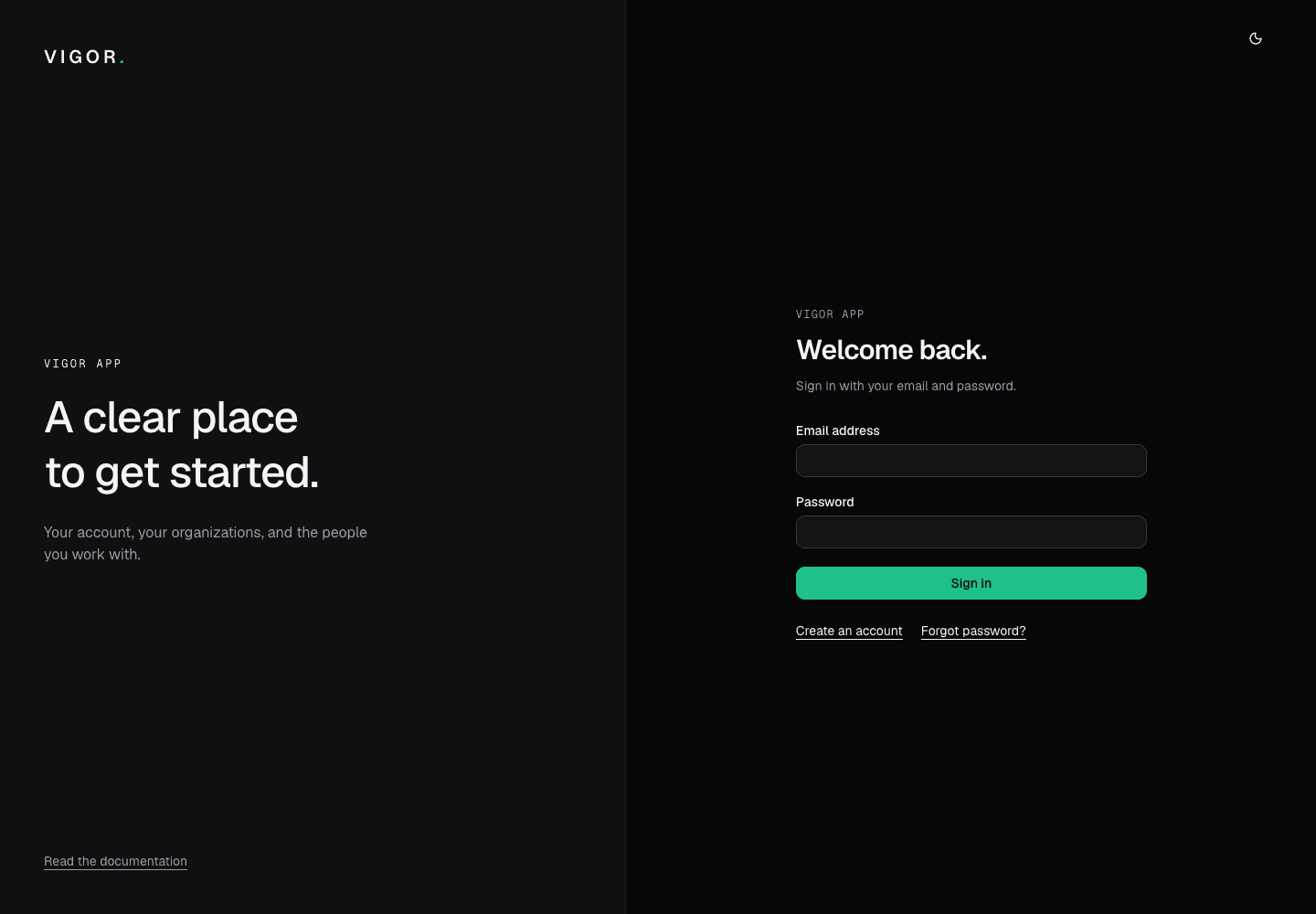
- Use the email address associated with your account.
- Enter your password and choose Sign in. Use Forgot password if you need a reset link.
For a forgotten password:
- Choose Forgot password? or open
/forgot-password. - Enter the account email and choose Send reset link. The confirmation is deliberately the same whether or not an account exists.
- Open
/reset-password?token=...from the email, enter a new password, and choose Save new password. - Return to
/sign-inwith the new password. Request a new link if the token is missing, expired, or already used.
A link that no longer works sends you back to the start:
View as text
%% title: Reset a forgotten password
flowchart TD
  A["Choose Forgot password? and enter your email"] --> B["Choose Send reset link"]
  B --> C["Open the link in the email"]
  C --> D{"Does the link work?"}
  D -- "Yes" --> E["Enter a new password and choose Save new password"]
  E --> F["Sign in with the new password"]
  D -- "Missing, expired or already used" --> A
Resetting your password signs you out of every other device.
If two-factor authentication is on for your account, the app asks for a code after your password. See Two-factor authentication.