Offline behavior
What the installed app shows without a connection, and what it never stores.
When installed, the PWA can show a public offline explanation if the network disappears. It does not cache account, organization, authentication, API, or personalized HTML data. Reconnect before saving changes or accepting invitations.
Offline, without exposing private data
The web app's public fallback appears when its origin cannot be reached. Account and organization content are not cached.
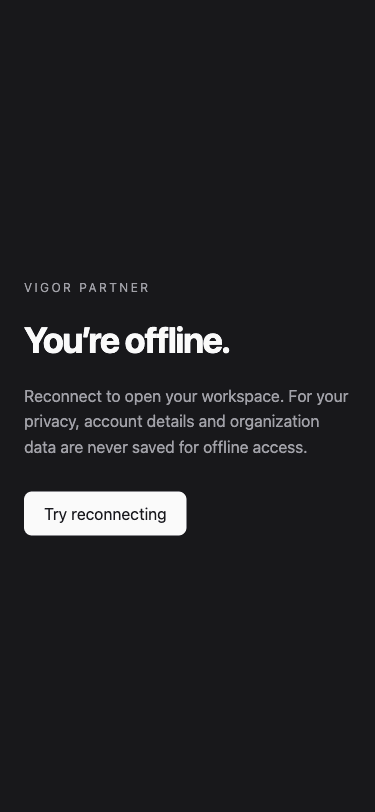
- Offline mode explains the connection problem instead of showing cached account data.
- Choose Try reconnecting after connectivity returns.